
Launchpad client workspace
The finished episode, the release plan, and your decision—together.
Launchpad is the private workspace where eligible studio clients receive approved work and decide what happens next.
What it does
Everything you need to move an approved episode forward.
The studio finishes and approves the work. You decide how—and when—the audience receives it.
See the version we signed off on
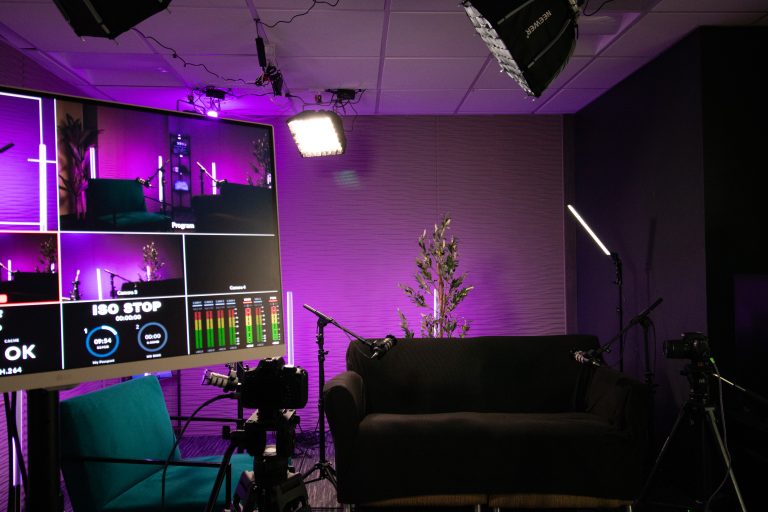
The exact approved episode appears in your private show workspace. A newer draft never quietly replaces it.
Watch, listen, and download
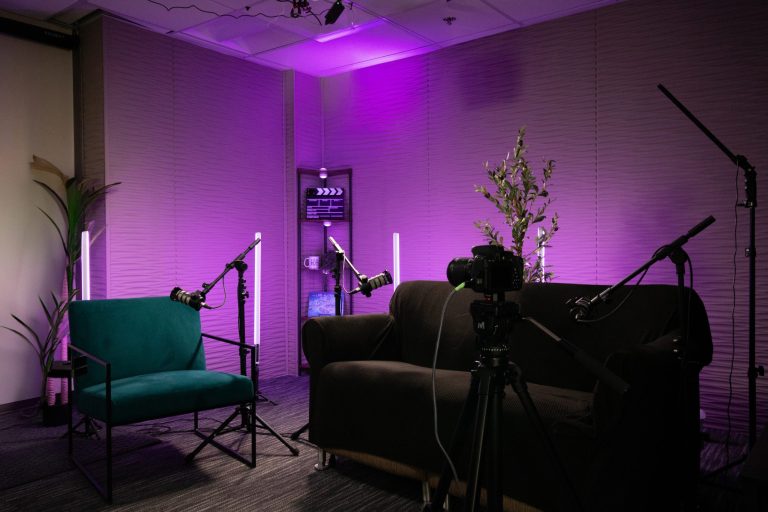
Preview the available work and request a fresh download whenever you need the finished file.

Shape the public story
Edit the title, description, and imagery, then choose the studio website, podcast RSS feed, or supported YouTube transfer separately.

Keep promotional moments nearby
When approved clips are available for an eligible episode, they sit beside the finished show for preview and download.
The release path
We approve the finished work. You choose when it meets the audience.
The studio prepares it
Your finished episode and promotional assets come from the studio’s Frame.io workflow.
James or Tom approves it
Only the exact version they approve is released into your private workspace.
You make it yours
Review the media and finish the title, description, artwork, and other public details.
You choose the destination
Publish to the studio website, add it to the RSS feed, or send a supported video to YouTube when you are ready.
Control without the clutter
A private workspace built around your show.
Private until you act
Approval puts media in Launchpad; it never makes an episode public by itself.
Only your show
Studio-managed accounts and show ownership keep each client’s episodes in the right workspace.
One trusted media source
The studio manages finished media through Frame.io, so Launchpad is not another upload inbox to maintain.
One decision at a time
Website, RSS, and supported YouTube actions remain separate, visible choices with their own status.
For current clients
Your next release starts here.
Use the WordPress client account created by the studio. Password recovery is available from the sign-in screen.